

Setup guide
Create an account, add your business knowledge, test your agent, and get a phone number.
Configure your agent
Set the greeting, voice, rules and channels.
Review dashboard activity
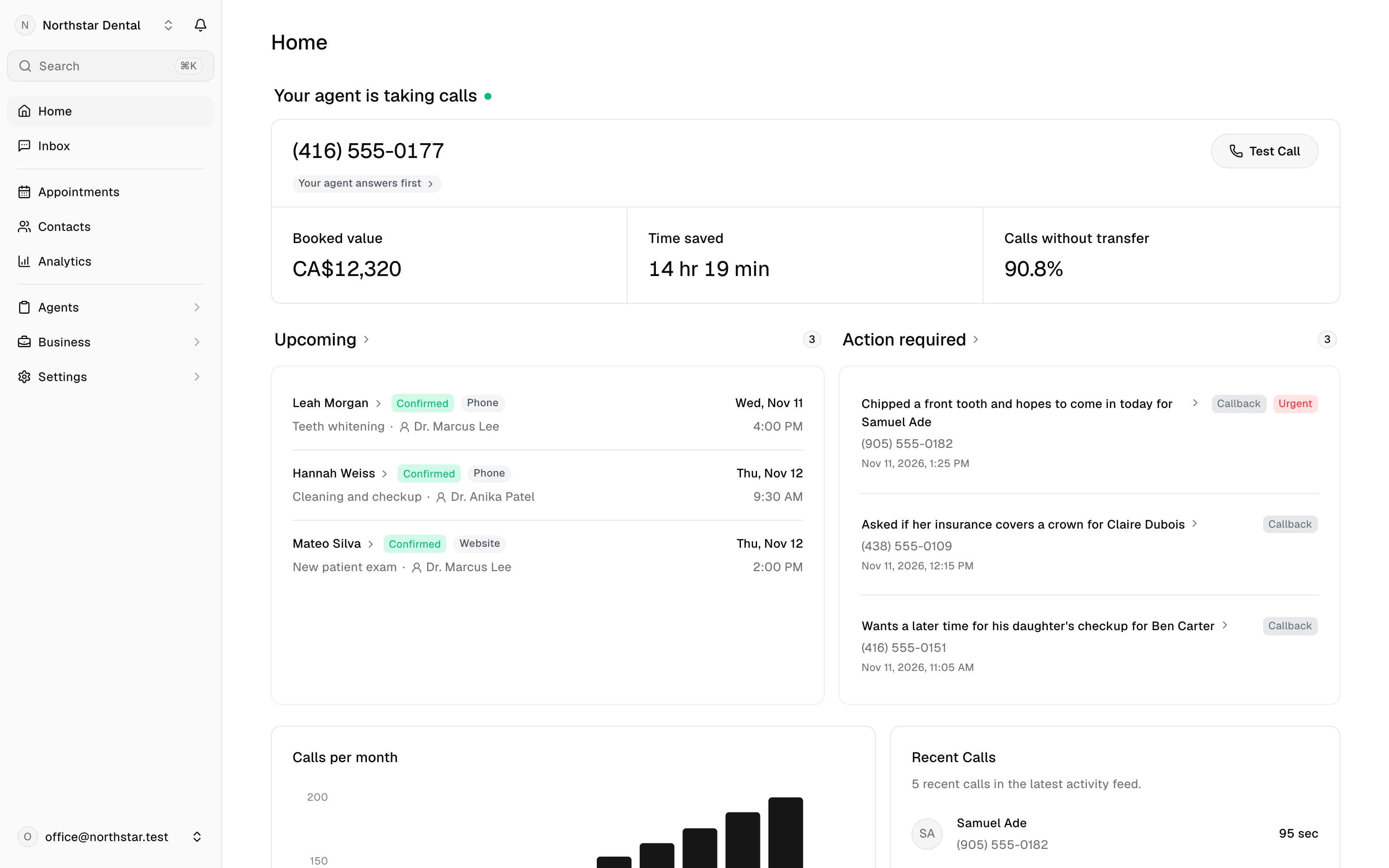
Review the Inbox, contacts, appointments, follow-ups, and analytics.
Connect your tools
Connect Google Calendar, Instagram and webhooks.
What LobbyStack helps with
- Answer inbound calls through a dedicated LobbyStack number.
- Open calls in one of eight languages, then switch to the caller’s language when they speak another one.
- Search knowledge from text entries, uploaded documents, and imported public website pages.
- Help callers schedule, cancel, or reschedule appointments when services and Google Calendar are configured.
- Transfer a live call to your transfer number, or to the employee a caller asks for, when transfer policy allows it.
- Take callback or follow-up messages when a transfer is not possible or a caller wants staff to follow up.
- Store calls, transcripts, recordings, contacts, SMS conversations, appointments, and dashboard summaries.
- Support hosted plans, usage tracking, and self-hosted deployments.
Main dashboard areas
The sidebar’s main menu lists Home, Inbox, Appointments, Contacts, Analytics, Agents, Business and Settings. Agents, Business and Settings open their own menus in the sidebar. The row at the top of each, with a back arrow, brings back the main menu. PressCmd+K (Ctrl+K on Windows) or click Search at the top of the sidebar to find any page, setting, agent, contact or conversation.