

Setup guide
Create an account, add your business knowledge, test your receptionist, and get a phone number.
Configure your agent
Set the greeting, business knowledge, services, and handling rules.
Review dashboard activity
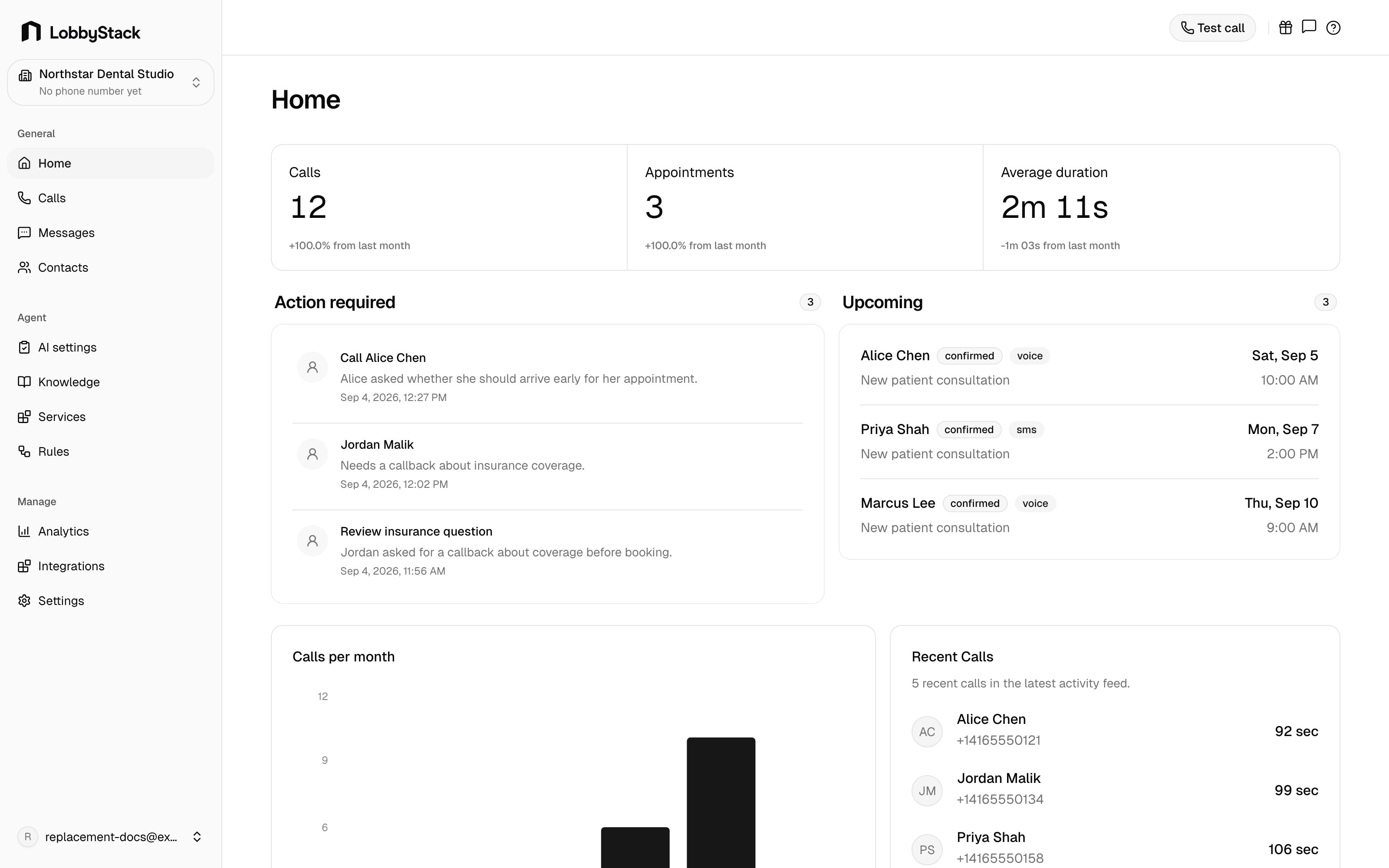
Review calls, messages, contacts, appointments, follow-ups, and analytics.
Connect your tools
Connect Google Calendar and review SMS consent requirements.
What LobbyStack helps with
- Answer inbound calls through a dedicated LobbyStack number.
- Open calls in one of eight languages, then switch to the caller’s language when they speak another one.
- Search knowledge from text entries, uploaded documents, and imported public website pages.
- Help callers schedule, cancel, or reschedule appointments when services and Google Calendar are configured.
- Transfer a live call to your transfer number, or to the employee a caller asks for, when transfer policy allows it.
- Take callback or follow-up messages when a transfer is not possible or a caller wants staff to follow up.
- Store calls, transcripts, recordings, contacts, SMS conversations, appointments, and dashboard summaries.
- Support hosted plans, usage tracking, and self-hosted deployments.